
How a session works
- 1
Tap start, paddle out
One tap on the wrist when you hit the water. Your iPhone stays dry on the beach.
- 2
Surf like nobody is counting
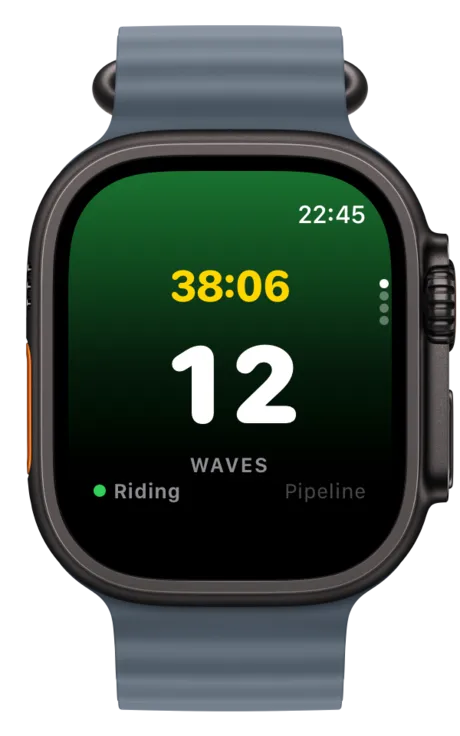
The Watch feels the motion of your rides and counts every wave, hands free.
- 3
Relive it on your iPhone
End the session and the full recap syncs over: waves, map, heart rate, conditions.
Everything the wrist can tell you
Automatic wave counting
Rides are detected from wrist motion. No buttons in the water, no guessing after.
Heart rate and calories
Your surf session counts as a real workout, with live heart rate and energy burned.
GPS track and paddle distance
See where you sat, where you rode, and how far you paddled for those waves.
Conditions on your wrist
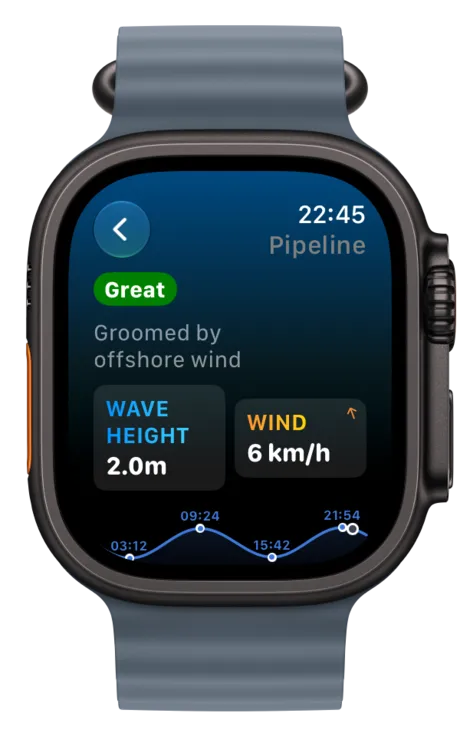
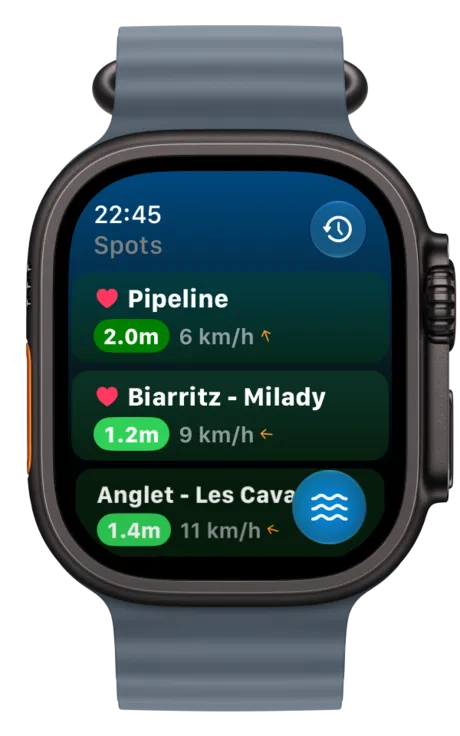
Waves, wind, the tide curve and daylight for your spots, one glance away.
Watch face complications
Your home spot on the watch face, so checking the surf takes zero taps.
Apple Health rings
Every session counts toward your activity rings, like every workout should.
Back on the beach
The session lives on in the app
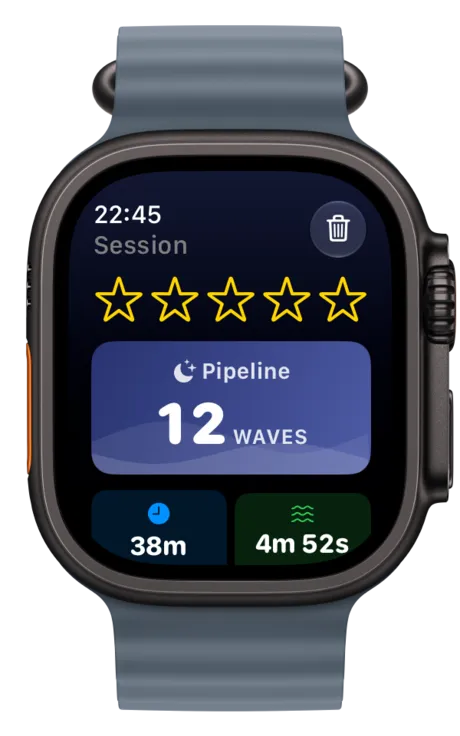
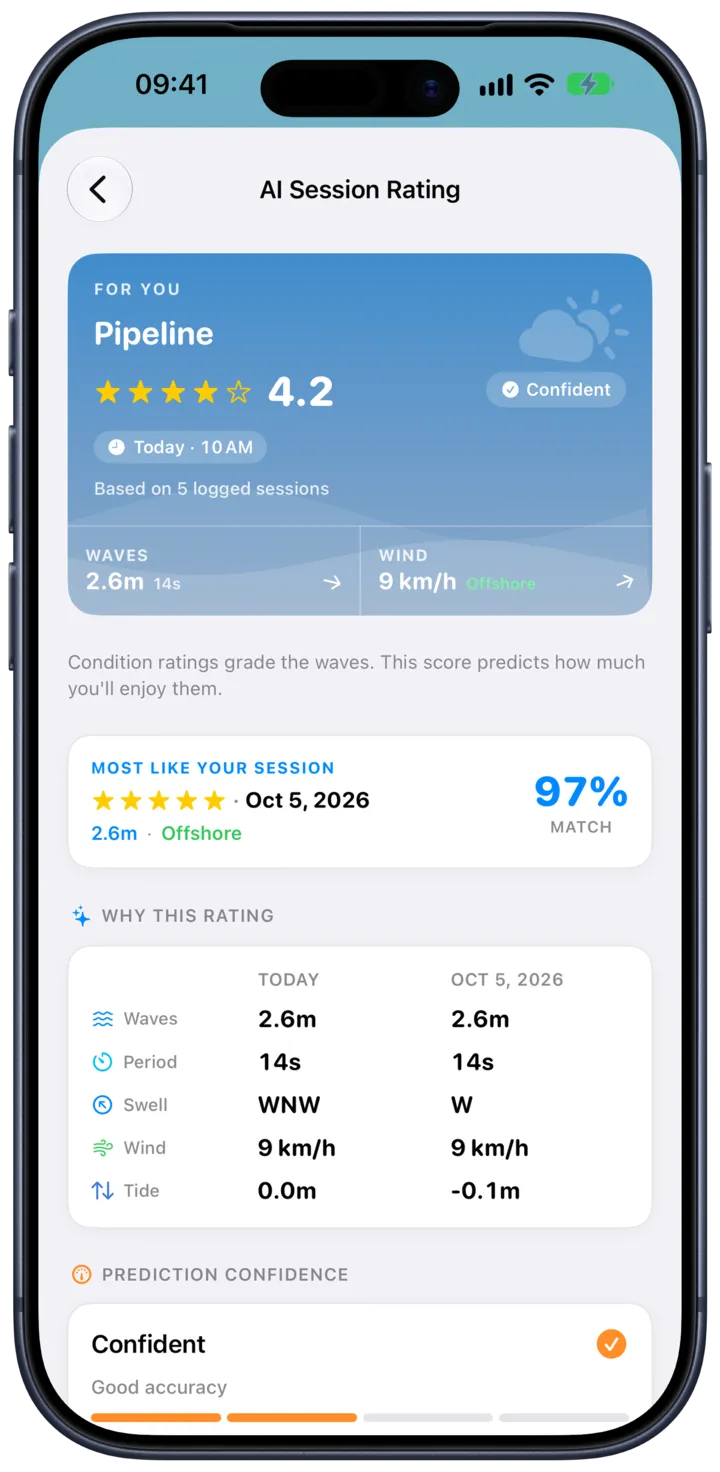
Every session lands in your history with its wave count, duration, map and a snapshot of the conditions that day. Rate it, and your personal forecast gets smarter.
Good to know
Do I need my iPhone in the water?
No. The session runs entirely on the Watch: wave counting, heart rate, GPS. Your iPhone can stay on the beach, and everything syncs when the session ends.
How does automatic wave counting work?
SurfMap reads the motion of your wrist while you surf and detects the distinctive pattern of a ride. Every wave is logged with no input from you.
Which Apple Watch do I need?
SurfMap requires an Apple Watch running watchOS 26 or later. Apple Watch is water resistant and widely used for surfing; check Apple’s guidance for your specific model.
Is the Watch app included in the subscription?
Yes. One SurfMap subscription covers everything: the iPhone app, the Watch app, forecasts, alerts and session tracking. Nothing extra to unlock.
Never lose count again
Download SurfMap, strap in, paddle out.
Download on the App StoreSubscription · weekly, monthly, annual or lifetime · cancel anytime
Looking for where to surf? Read our destination guides →